White and color
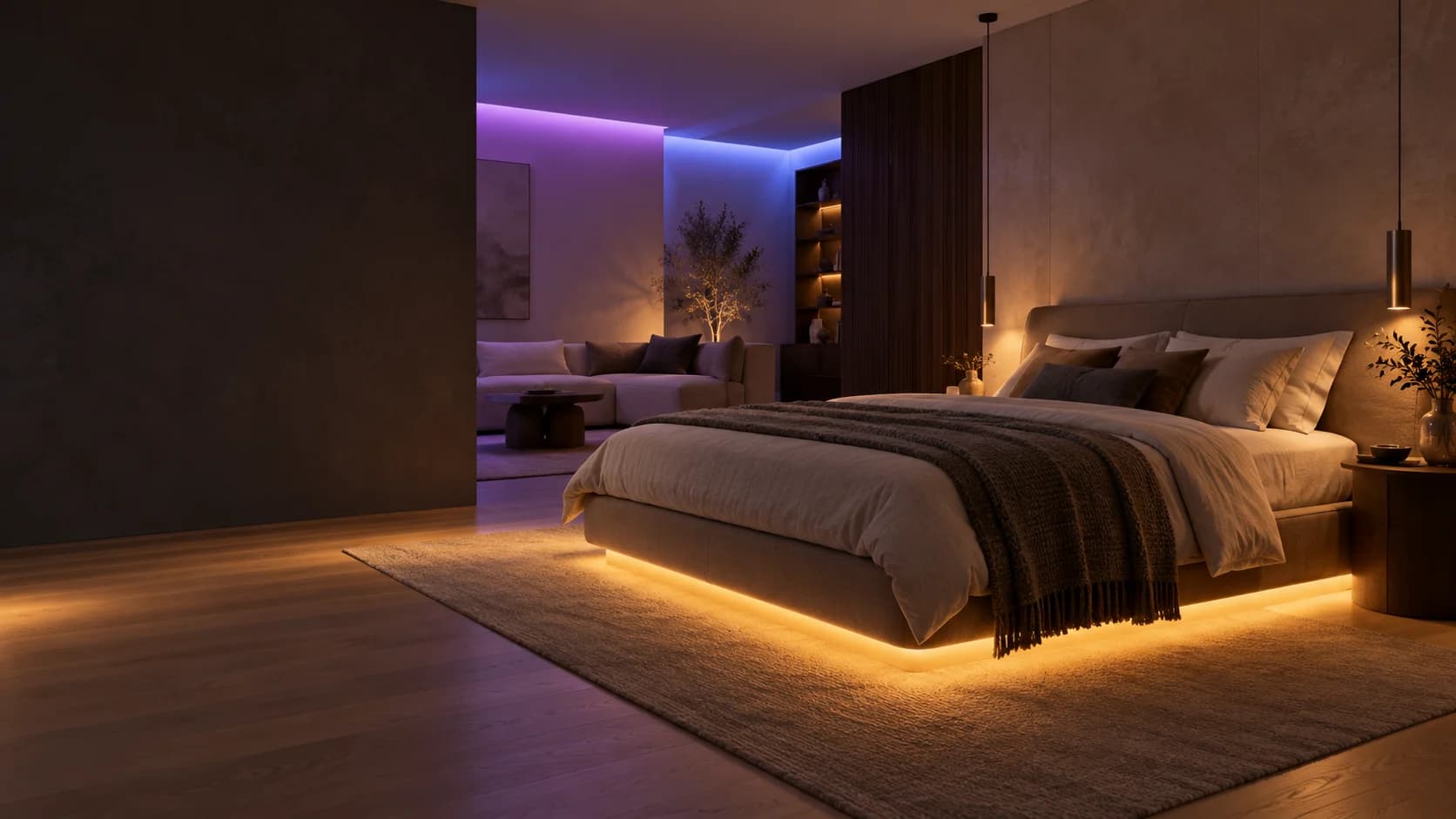
Use tunable white for everyday lighting and dynamic RGB effects for atmosphere.
Model · ZC5 / PBL82
An RGBCW strip system with tunable white, dynamic color and music-reactive lighting.
Content previewProduct information and specifications are selection drafts. Confirm the model before ordering.
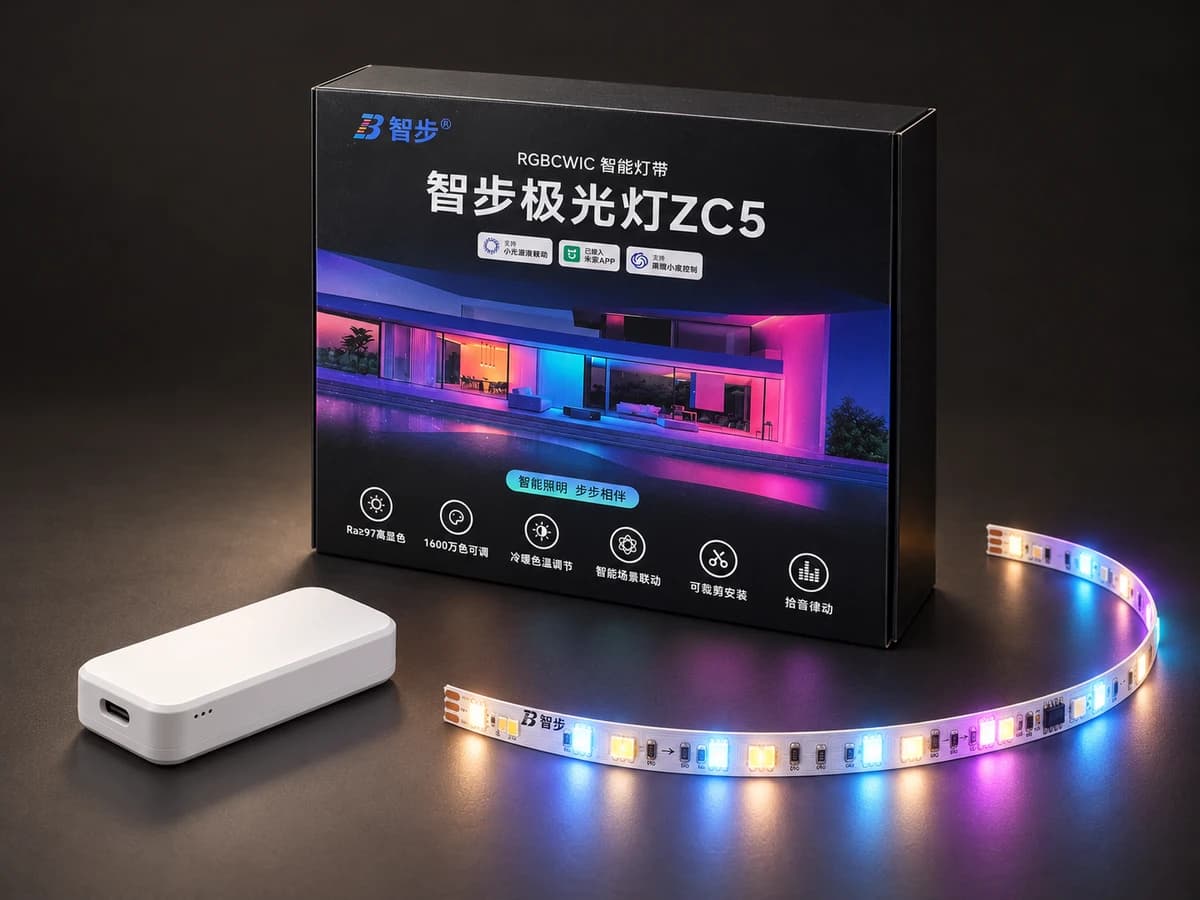
Mijia aurora light
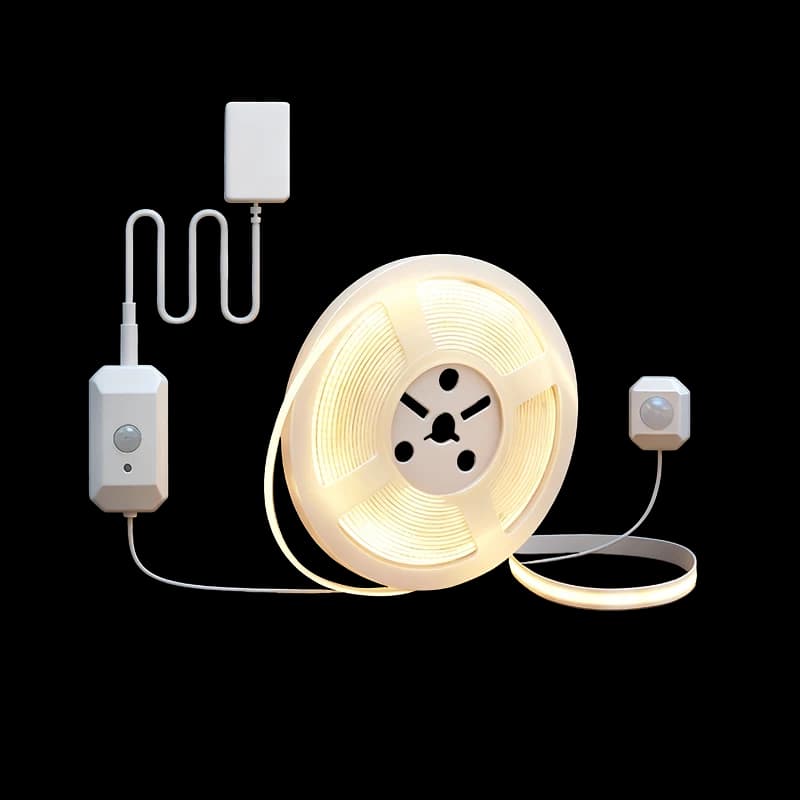
ZC5 pairs the PBL82 controller with its dedicated RGBCW strip for ceiling coves and background lighting. The controller handles Bluetooth Mesh communication and sound pickup, with a dedicated Type-C strip connection. Concealed installations need space for wireless reception, sound pickup and servicing.
Use tunable white for everyday lighting and dynamic RGB effects for atmosphere.
Configure static lighting, flowing effects and sound-reactive lighting in Mi Home.
Avoid sealing the controller inside the ceiling. Test Bluetooth reception and sound pickup before fixing.
Specifications & selection
Check these conditions for your installation and intended use.
Record wall finish, TV dimensions and concealed strip locations.
Review direct and reflected light from seated and lying positions.
List existing devices and desired routines, then verify supported functions.
Documented values · Review pending
Based on the ZC5 product specification and ceiling installation document, pending product review. Conflicting dimensions, color-rendering and sound-pickup values are withheld. Confirm gateway and regional support for Mi Home features.
Installation planning
Record the site conditions, then use the selected model’s instructions to plan installation and wiring.
Check the ZC5 controller, dedicated RGBCW strip and DC 24 V supply, then trial-fit and power-test.
Place the controller near the cove opening with service access; avoid metal or thick-panel obstruction and keep clear of power supplies and heat.
Fix the strip flat and cut only at marked points. Have the installer confirm length and power injection against the matching instructions.
Before closing the installation, test Mi Home connection, white light, dynamic effects and sound pickup. Verify gateway and regional requirements for remote control and routines.
Check power, interfaces and compatibility for the selected models.
Share the installation location, dimensions and requirements so we can help with the configuration.
Enquire about this product