Follow the approach
Consider where people approach and where they first enter the staircase.
Product category
Detect movement and trigger the lighting controller.
Content previewProduct information and specifications are selection drafts. Confirm the model before ordering.
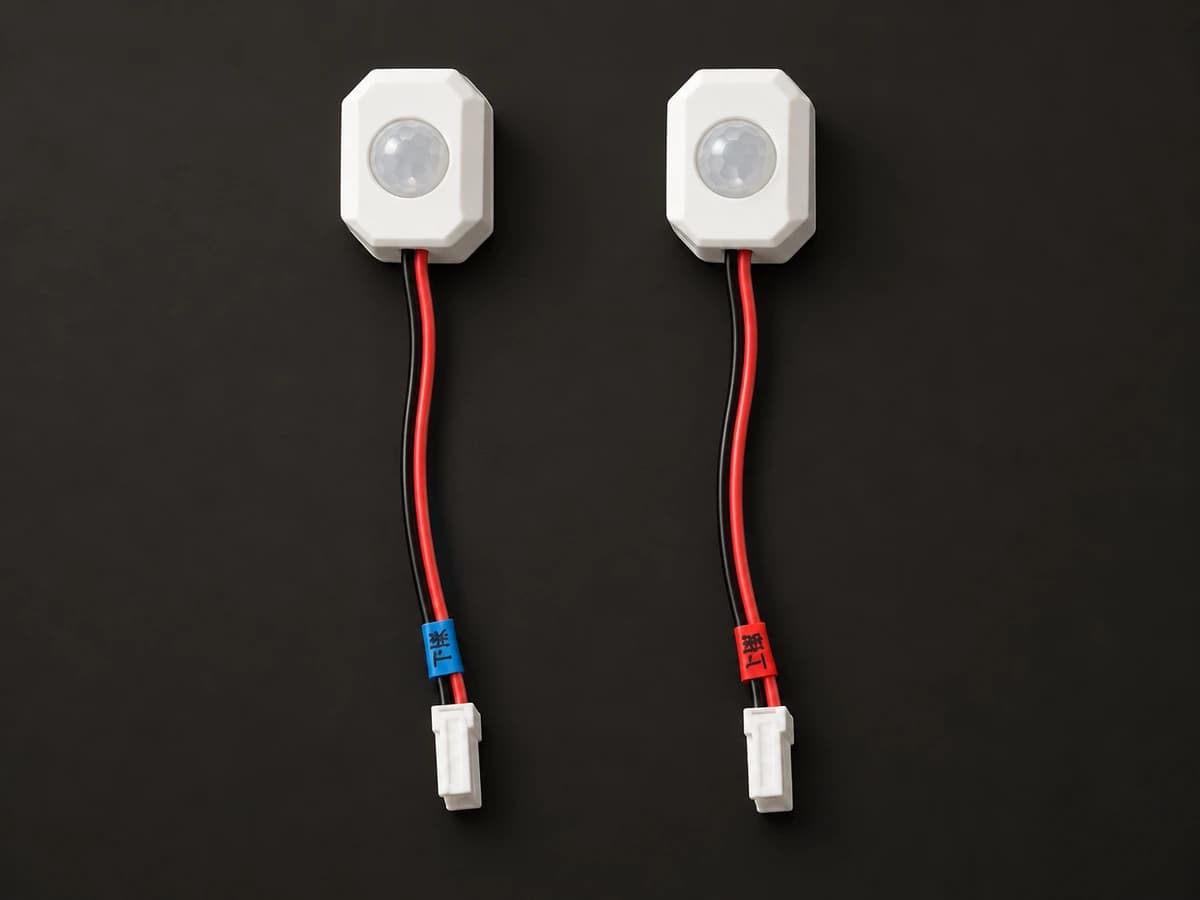
Motion sensor
Stair sensors include infrared, TOF and radar options, with two-wire carrier and three-wire interfaces. The images show available surface-mounted sensors and carrier radar accessories; their exact model mapping is pending. Confirm detection direction, mounting position and controller interface together.
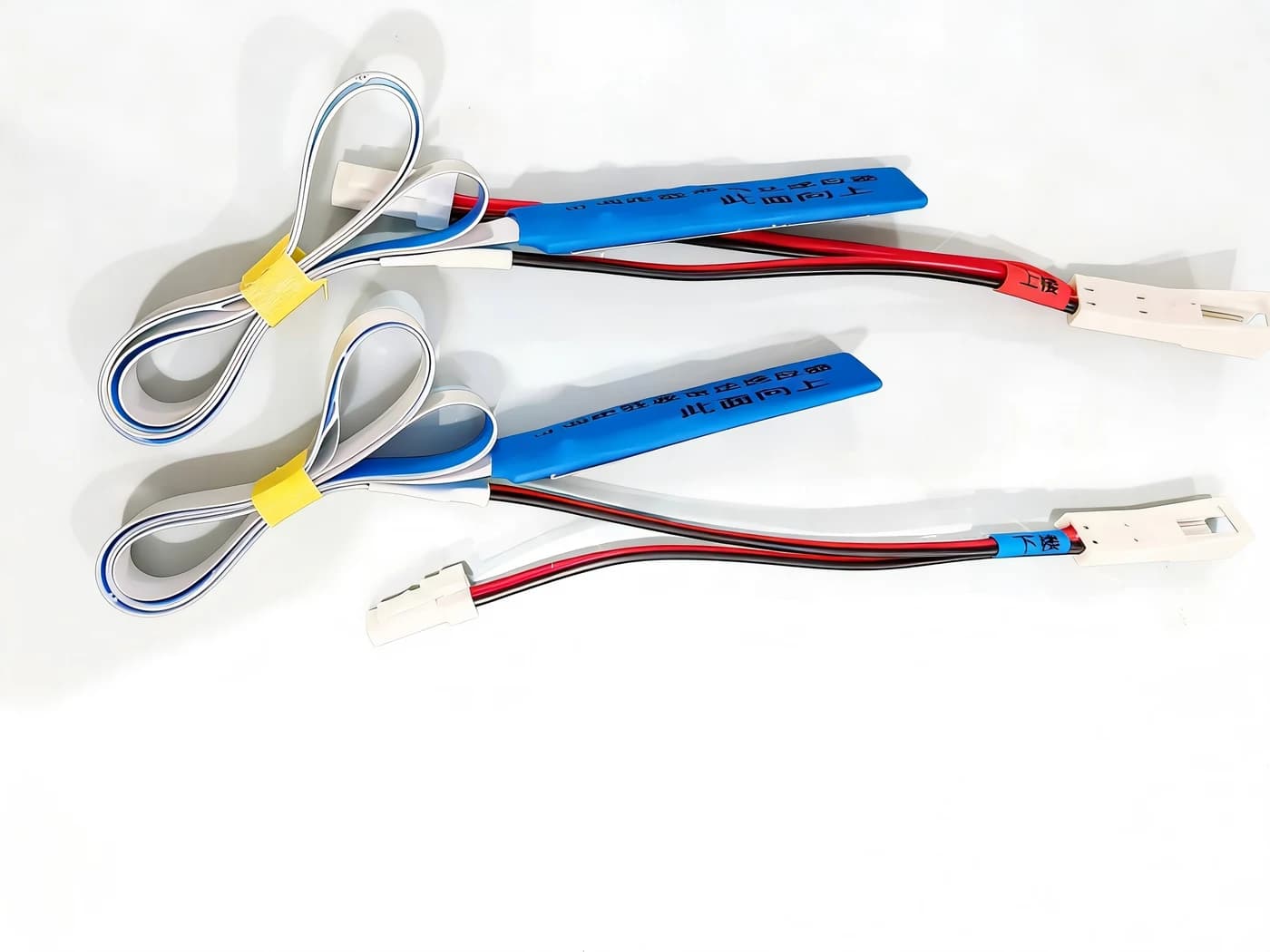
Consider where people approach and where they first enter the staircase.
Assess the sensing method for doorways, corners and open spaces.
Verify sensor power, connector and protocol compatibility together.
Specifications & selection
Check these conditions for your installation and intended use.
Consider both approach directions and avoid furniture blocking the sensing area.
Document nearby doors, curtains, pets and adjacent activity.
Review the wall, profile and available recesses before choosing the mounting structure.
Documented values · Review pending
Organized using the sensor categories in the product handbook. Exact models in the photographs are pending confirmation. Detection ranges, angles and interfaces vary by series; appearance alone does not establish compatibility.
Installation planning
Record the site conditions, then use the selected model’s instructions to plan installation and wiring.
Mark normal approach positions and directions and nearby objects that may affect sensing.
Trial-position the sensor and confirm controller connections using the official instructions.
Test upward and downward travel, pauses and nearby passing traffic.
Fix in place after testing, leaving access for orientation changes and servicing.
Check power, interfaces and compatibility for the selected models.
Share the installation location, dimensions and requirements so we can help with the configuration.
Enquire about this product